

Welcome to your Digital Portfolio at Dr. Charles Best. We provide a unique and innovative digital culture for all students to learn in. We are a 1:1 school which means each and every student and staff member uses a device to enhance teaching and learning, and most importantly, help prepare our students with tools and skills to be successful in the future. In order to ensure the success of the 1:1 program we have put in place a variety of support systems.
If you ever need assistance with technology please visit the Digital Literacy Room beside room 202.
Edublogs
Our school uses Edublogs to document and showcase your learning and experiences at Dr. Charles Best. You will use your blog to post work and assignments for classes, to post about your learning and experiences in your portfolio, and write reflections based on the Core Competencies.
Login to your blog here: mycharlesbest.sd43.bc.ca
Get Edublog support here: CampusPress User Guides
Office 365
All of our staff and students have FREE access to O365 tools. Our school uses these tools as one of our foundational platforms.
Login to O365 here: login.microsoftonline.com
Coquitlam Open Learning – Applications of Digital Literacy 10
At Dr. Charles Best, Grade 9 students will earn four credits for their work in developing digital literacy skills in the course, Applications of Digital Literacy 10. In their classes, students will be required to demonstrate the ability to efficiently and effectively navigate digital technologies while behaving ethically, responsibly and protecting personal security and privacy.
Digital Footprint
A digital footprint is the collection of all the traces you leave in electronic environments as you use or move through them. Some is content you actively volunteer—like your Facebook profile. Other material is passive—the cookies a site stores in your browser, the content your district collects about your use of their equipment, etc. All this data can be aggregated to build a profile of you and your behavior.
(Courtesy of http://www.educatorstechnology.com/2013/04/a-great-guide-on-teaching-students.html)
Tips for Creating a Positive Digital Footprint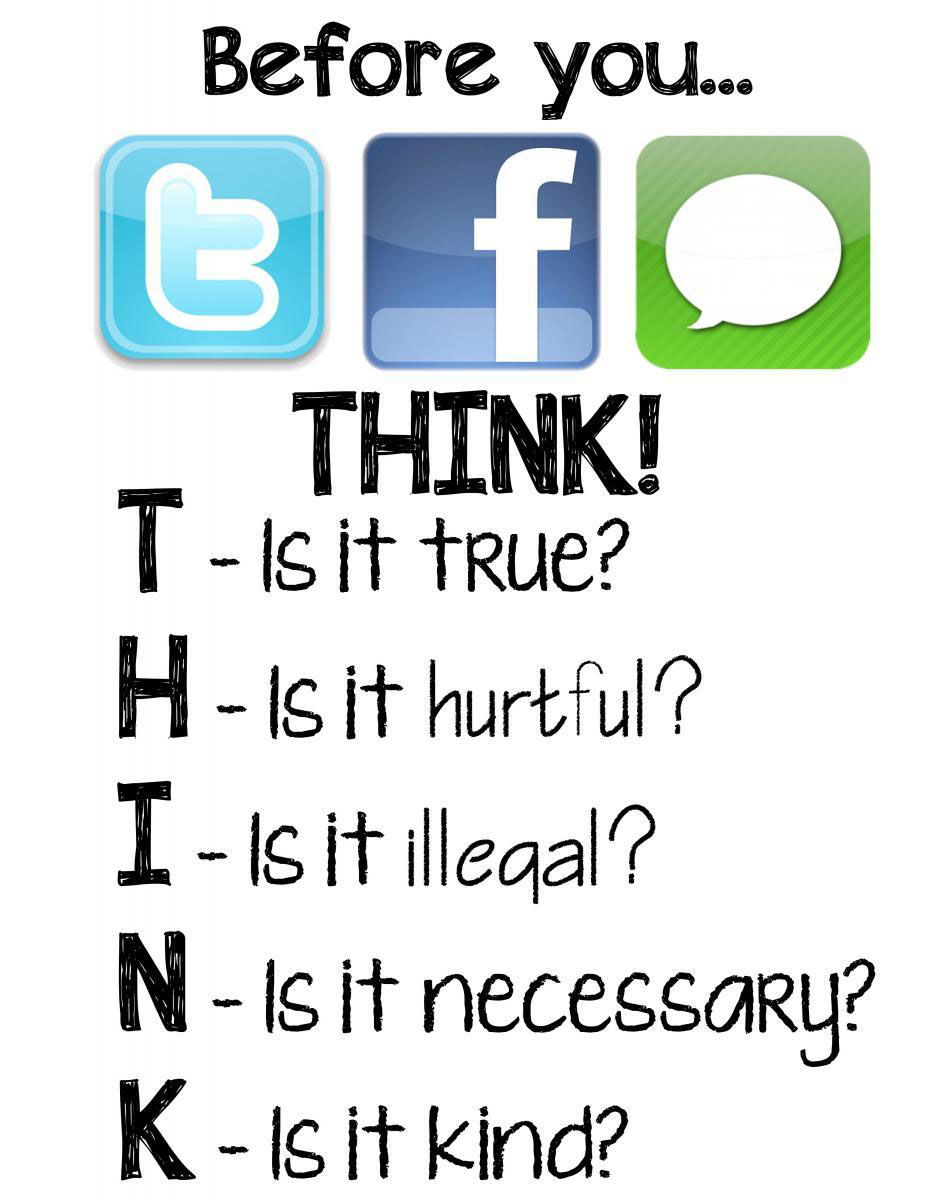
- Always THINK
- Never post anything that you might find embarrassing later.
- Be careful with the pictures you post on your public profiles. Remember others will see them and judge you based on their content.
- Change the privacy settings on your social networking sites so that only your Friends can see your information
- Do not disclose your personal address, phone number, passwords. Bank card numbers…etc even in private messages. There is always the possibility of somebody hacking into your account and finding them.
- Do not post things to bully, hurt, blackmail, insult, or afflict any kind of harm on others
- Always keep in mind that once information has been posted online, it can be almost impossible to remove because of archiving and file sharing. Even though you deactivate your accounts, the information may still be retrieved by others.